
Shutterfly Photo Books are an excellent way to organize digital photos and create a wonderful souvenir of vacation memories.
I love to take photos and I have always loved to have them printed and organized into albums so that I can browse them whenever I like. This became a little more difficult after switching to digital photography because I was soon taking hundreds more photos on each trip.
Sorting, organizing and then printing the best photos was becoming an overwhelming task. I realized that I was getting close to 2 years behind in printing photos and I desperately needed a solution.
A friend of mine had recently started printing photo books and I thought that her albums looked amazing but I was hesitant to try. I have resisted the whole scrap-booking craze because I’m just not very artistic and I assumed that assembling a digital photo book would require more creativity than I could muster.
As luck would have it, I was offered an opportunity to try Shutterfly for the purposes of creating a travel photo book and I decided that the offer was the kick in the pants that I needed to catch up with technology.
I decided to create a travel photo book for our recent family trip to Paris, France and signed in to the Shutterfly website. I was nervous about whether this was going to be too difficult for me but I was almost instantly impressed with the site’s user-friendliness.
I chose to use the custom path to create my 8×8 hard covered (20 page) photo book. (There is a simple path, however, I wanted to have the ability to customize the text and arrange the photos myself as I’m a bit of a control freak.) I then chose a “Vintage Travel” theme.
Once that was selected all I had to do was add photos from my desk top and drag and drop them into the arrangement on each page. I added in text, chose a photo for the cover and, just like that, I had created a photo book all by myself.
After that it was a waiting game for my photo book to be delivered by mail so that I could judge the results. Delivery to Canada takes a bit longer than delivery in the U.S. so I had to wait patiently for a couple of weeks but it was worth the wait as I was thrilled with my photo book.
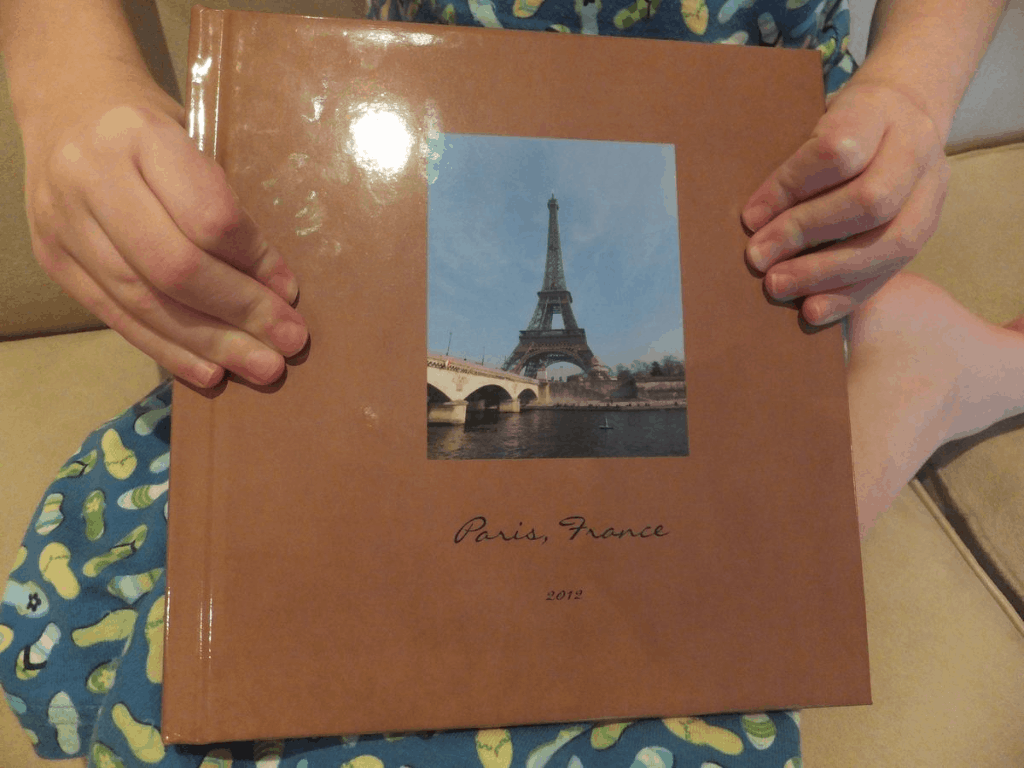
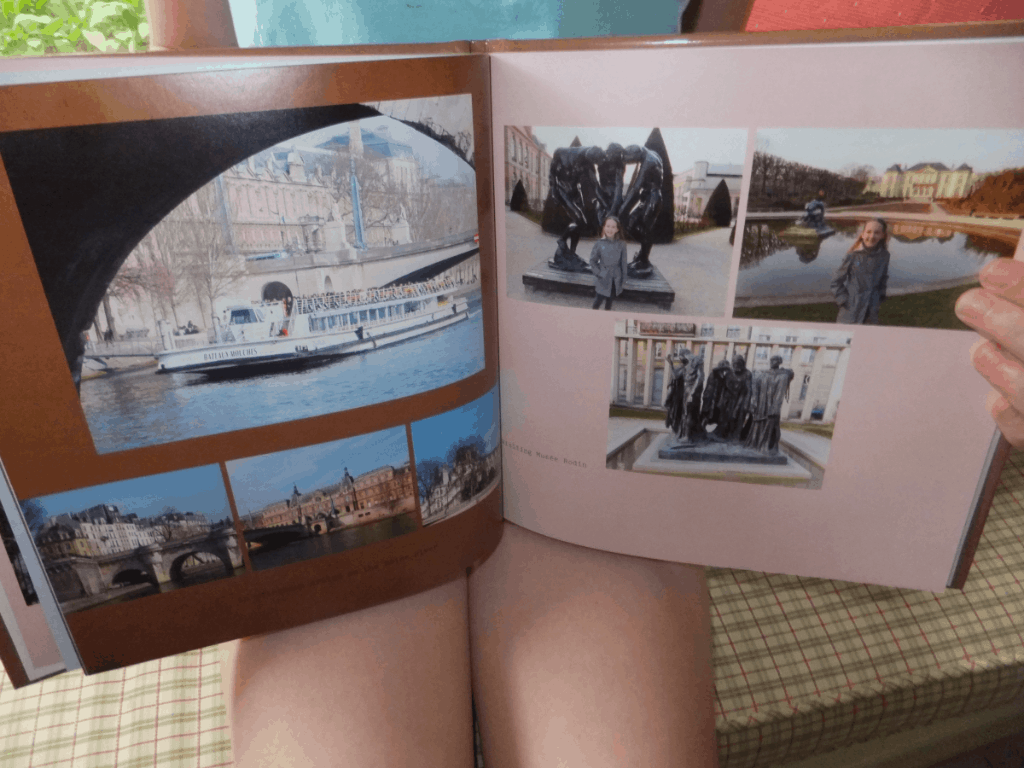
I love having this professional looking photo book to show people rather than an album of snapshots, the process of creating it was incredibly easy and, in my opinion, the product is reasonably priced.
There were a few things that I would do differently the next time and I expect that practice will make for even better looking photo books. I anticipate creating a travel book like this for all of our future travels – I may never print a snapshot again.
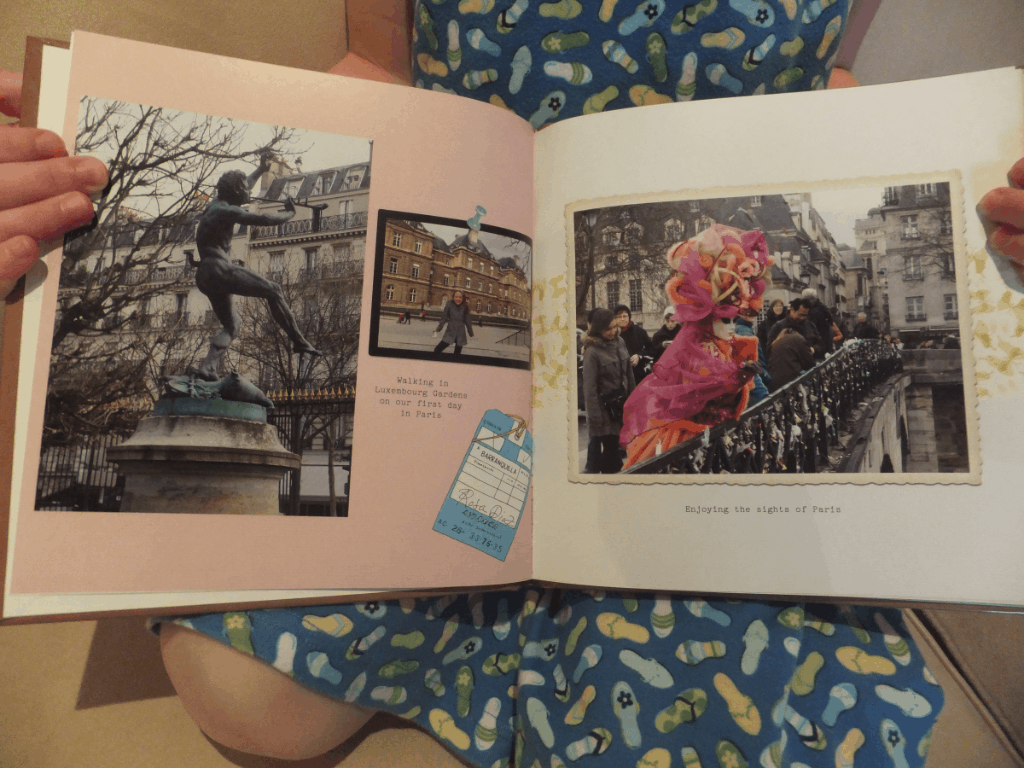
Shutterfly provided me with the photo book free of charge for the purposes of review but did not request that any particular opinion be expressed. My opinions are, as always, my own.
Here are some tips provided by Shutterfly for preserving summer memories:
Preserving Summer Travel Memories as a Family
- Encourage each family member to take turns behind the lens so your pictures have a variety of perspectives (and everyone in the family makes it into a few of the photos!)
- Use summer travel to bridge the generation gap. Capture grandparents, parents and kids enjoying special times together.
- Be sure to take pictures during your entire trip, from start to finish. Your family’s travel journey begins the moment you leave home, not when you get to your destination.
- There is no such thing as wasting film anymore – just keep shooting! You never know which photos will best capture your vacation memories once you return home.
- Going on vacation with extended family or a group? Set up a central share site before you travel so everyone can upload photos to one central location.
- Capture your family’s experiences with the local culture. Ask a local resident to suggest family-friendly activities off the beaten path for unique pictures and memories.
- Embrace the candid. Instead of planning your shots, snap photos whenever and wherever inspiration strikes. Every picture, candid or not, tells a story.
- Get social! Upload your photos while on-the-go to keep friends and family updated real-time with your adventures. You can include these pictures in your photo book when you get home.
- Ask each member of your family to create a “Top 10” list of words describing your trip. Use these words to guide the design and story lines for your photo book.
- Showcase the personality and creativity of each family member by taking turns to design pages in your photo book.
Mary @ The World Is A Book
Your photo book looks fantastic! I’m glad you created one and liked it. I love my Shutterfly photo books. I’m two years behind too and the thought of starting them seems overwhelming right now. I’m in the process of doing my daughter’s “My 10 year life” photo book for her bday in Dec. Yay for technology! I’m not sure if you saw it already but just in case, you can share a link to your photo book for all of us to see. 🙂
Crystal Lewis
I have made shutterfly books from our trip to Austrlia and China, and my kids love them! I found a book stand to display them with, so you see the cover of each book on either side of the TV. I take so many pictures, I usually have to add double the pages. I really need to finish our trip this past winter to Yellowstone. Thanks for the reminder! 🙂 Your book looks great by the way!
lisa wood
WOW that is amazing! I havent ever put together a photo album for our youngest child (who is now 7 years old) because i havent got the time for scrapbooking, nor do I have room for the supplies…now I am wondering if there is something like this in Australia?
Be such a great easy way to have photos put together and arrive in such a nice way -also would make a great xmas gift to family!
Lisa Goodmurphy
Thanks, Mary! I didn’t know about sharing the link to the photo book – I’ll have to figure out how that works.
Lisa Goodmurphy
Yeah, I’m guilty of buying new memory cards too! There just are not enough hours in the day to keep everything organized.
Lisa Goodmurphy
I love the idea of displaying the books – I’ll have to think of a way to do that after I have a few!
Lisa Goodmurphy
It’s so easy, Lisa and there are a number of companies that do it here. There must be something similar in Australia.
Corey Snapp
Photos really are the most important thing about the vacation. Everyone should find it easy when they get back home to print all those memories. With new companies on the internet it is so easy now and Parabo Press is now offering free photo books and prints all you pay is shipping.